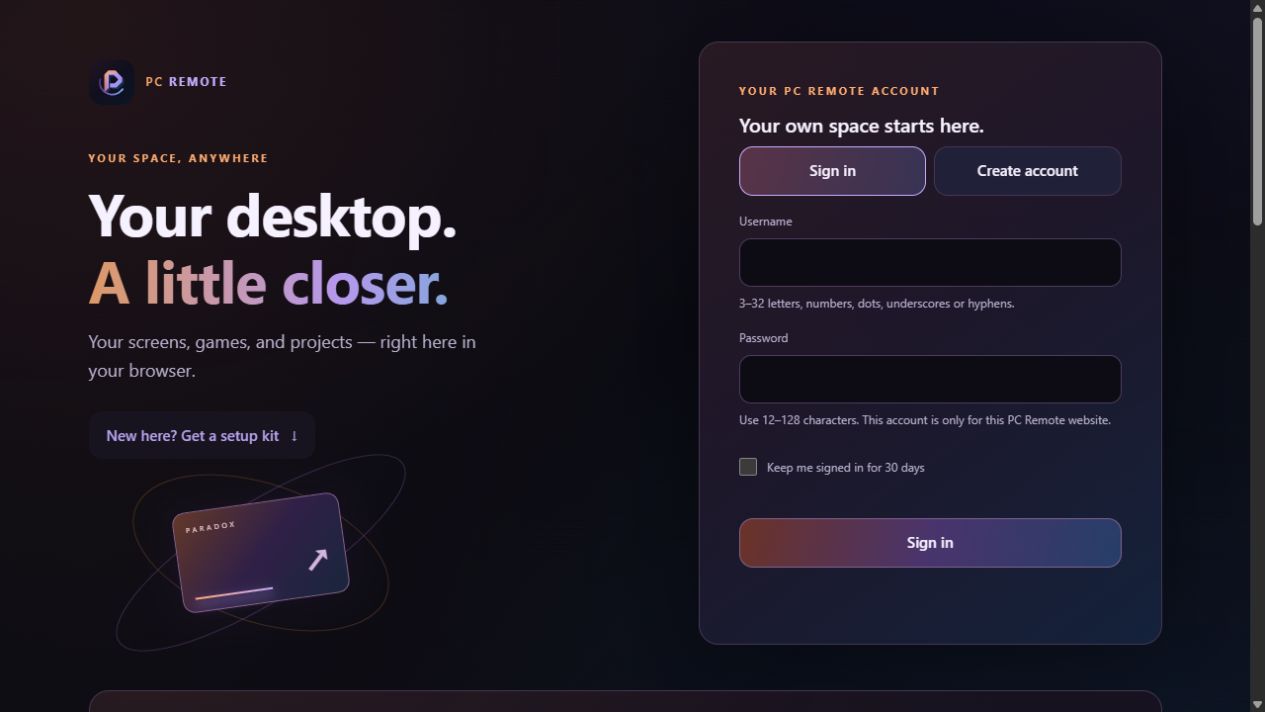
Work on your own computer, switch screens, launch apps, or play your PC games from a phone or supported browser. PC Remote brings desktop access and gaming into a dark, practical interface.
I started with an open-source project and reshaped it around how I wanted to use my own PC. At first, I just wanted to restart stuck apps when I was away. That grew into one place to work on projects, switch screens, and play my PC games from my phone or a browser—with controls and a look that felt right to me.
Built on open source, with credit where it belongs. The Android app and browser viewer are available. A custom iOS app is a long-term plan, deferred until reliable on-device testing is possible; there is no release date.
Start with your own computer
Two steps. One connected workspace.
01 · Host
The computer you control
A Windows or Linux PC runs your apps and games. Install its host setup kit once.
02 · Viewer
How you connect to it
Choose Android, the browser, or the official Moonlight iOS alternative. A viewer does not need a host kit.
Step 01 · Set up your host
Windows
Windows host setup available
Intel/AMD x64 Windows 10 or 11, signed-in graphical desktop and Sunshine-compatible graphics/capture; Windows 11 recommended.
Start here
Extract All, then double-click Setup.cmd as the normal desktop user.
Optional Windows-only virtual-screen driver and controls are included in setup. Virtual displays share the existing user session.
Use the current version displayed by PC Remote’s download page and in-app updater. Downloads wait their turn when busy and are limited to 1 Mbps to keep streaming responsive. Portfolio does not mirror files or bypass that queue.
Shared service, self-hosting & session limits
The shared browser service currently offers ordinary accounts a two-hour streaming window per rolling 24 hours, up to 5 Mbps, with a queue when twelve ordinary stream places are occupied. These are streaming limits, separate from download limits. Native Moonlight connections do not use that shared streaming window.
Shared browser streams remain capped at 5 Mbps. Reserved browser sessions have a 20 Mbps ceiling; the previous 100 Mbps experiment has been removed. These are bitrate ceilings, not guaranteed throughput, and are separate from the download queue.
Both setup kits include self-host-relay/README.md for your own Linux Docker relay, HTTPS URL, and host registration. A domain alone is not a running relay. Everyone viewing a host shares its desktop, apps, focus, and audio; virtual displays are not independent users.
Product tour
Inside the experience
The public sign-in and setup screens are genuine live captures. Screens, Apps and Settings show the actual interface in explicitly labeled staged demo workspaces with fictional sample data—not real streams or gameplay. Mobile controls and game-streaming screenshots will be added when clean, verified captures are available.
Matching modified source
Read the code behind PC Remote.
PC Remote is an independent GPLv3 customization. Its matching modified source is separate from the original upstream projects credited below.
The browser source page includes its matching source bundle, license, checksums and rebuild instructions. For a setup kit or Android release, open the download catalog and choose “Setup source & licenses,” “Linux source & licenses,” or “Matching source & licenses” beside the release you need. Those files use PC Remote’s existing download queue; this button opens the catalog, not a file download or the signed-in viewer.
References & credits
Built on good work. Adapted by Paradox.
Moonlight Android and Moonlight Web provide the foundations, Sunshine supplies host streaming, Tailscale supports native private networking, and the optional Windows virtual-display tools use Virtual Display Driver. These are the original projects—not substitutes for PC Remote’s modified source. PC Remote is not an official or endorsed release of these projects.